

Best USB-C hub or dock for a laptop

ComponentsLast updated July 31, 2026Independent research — Findeso does not sell products

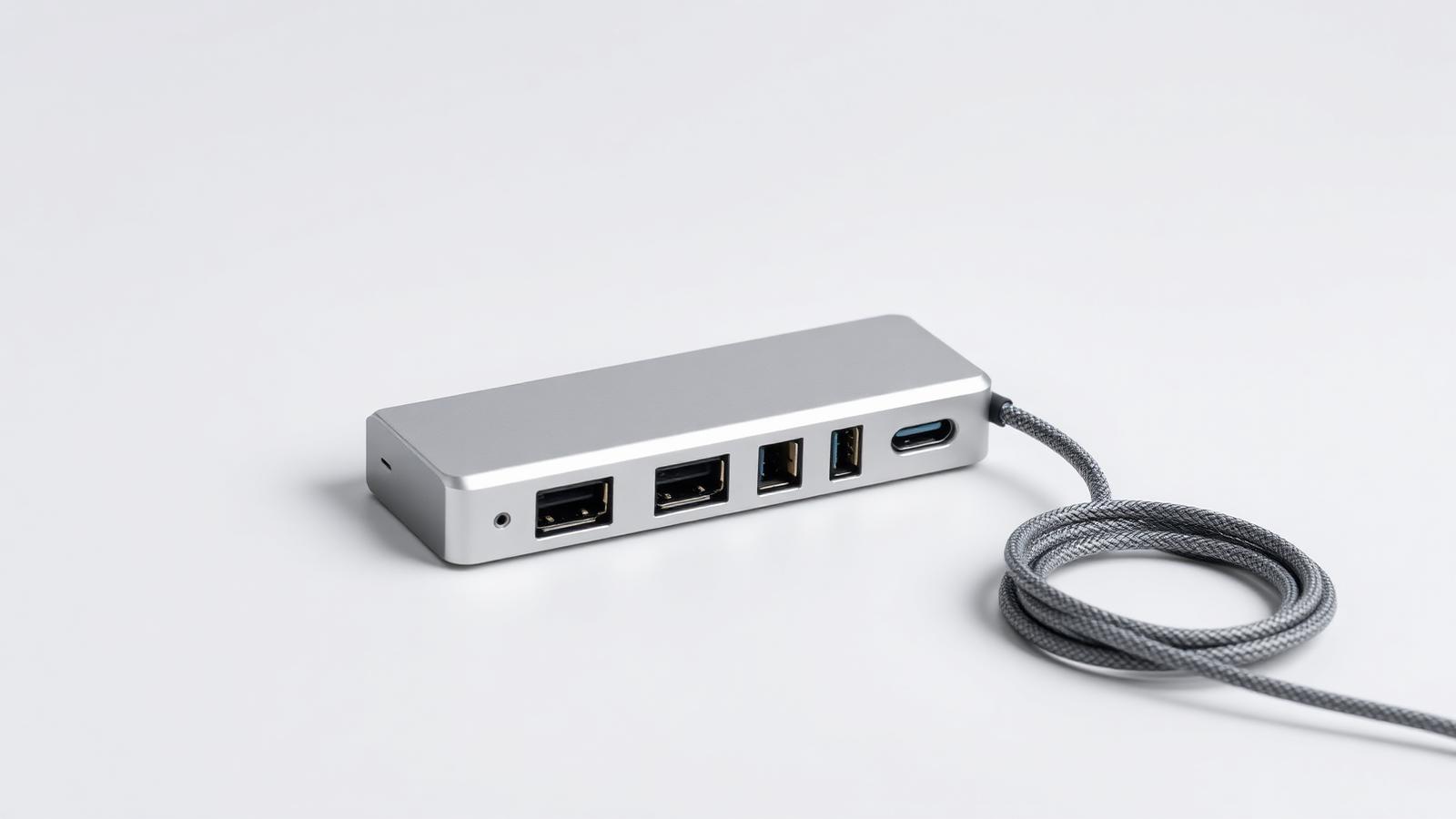
Aluminium USB-C hub with several ports and a braided cable
Illustrative photo of the product category — not a specific model or retailer listing.

Hubs fail in ways that look like laptop faults: a second monitor that will not light up, a drive that disconnects under load, a laptop that slowly discharges while plugged in. Almost always the hub is the cause.

Two things decide whether a hub works for you: what the laptop's USB-C port actually supports, and whether the hub has its own power supply. Everything else — port count, aluminium finish, brand — is secondary.

What actually matters

  • Check your laptop's port first. Thunderbolt / USB4 ports drive two external displays and high-speed storage. A plain USB-C 3.2 port often supports only one display, no matter what the hub claims.
  • Bus-powered hub vs powered dock. A bus-powered hub steals power from the laptop and is fine for a keyboard, mouse and flash drive. Anything with spinning drives, monitors or charging needs a dock with its own adapter.
  • Power delivery pass-through loses watts. A hub rated for 100 W pass-through typically delivers 85 W or less to the laptop. If your laptop ships with a 96 W charger, size the hub accordingly or it will discharge under load.
  • Dual monitors need the right technology. Two independent displays require either Thunderbolt/USB4, DisplayPort MST (not supported by macOS), or a DisplayLink hub with drivers. Read which one before buying.
  • Watch the HDMI version. Many cheap hubs are HDMI 2.0 and cap 4K at 30 Hz, which feels awful for desktop use. Confirm 4K at 60 Hz explicitly.

Our picks

Aluminium USB-C hub with several ports and a braided cable

Illustrative

Best overall

Thunderbolt / USB4 dock with external power

Specs:
Dual 4K 60 Hz output, 85–96 W laptop charging, Ethernet, external power brick
Typical price:
premium
Who it suits:
A permanent desk setup with two monitors. One cable to the laptop, everything else stays plugged in.
Aluminium USB-C hub with several ports and a braided cable

Illustrative

Best value

7-in-1 USB-C hub with 100 W pass-through

Specs:
HDMI 4K 60 Hz, 2× USB-A, SD/microSD, 100 W PD pass-through
Typical price:
budget to mainstream
Who it suits:
Single-monitor desks and travel. Covers 90% of real needs without a power brick.
Aluminium USB-C hub with several ports and a braided cable

Illustrative

Best for travel

Compact 4-in-1 bus-powered hub

Specs:
HDMI, USB-A, USB-C data, PD pass-through, pocket sized
Typical price:
budget
Who it suits:
Presentations and hotel desks. Small enough that it lives in the bag permanently.
Aluminium USB-C hub with several ports and a braided cable

Illustrative

Best for dual monitors on a Mac

DisplayLink docking station

Specs:
Driver-based dual display output, works around macOS MST limits, external power
Typical price:
mainstream to premium
Who it suits:
MacBooks that cap out at one external display. Needs a driver and uses some CPU, but it works.

Frequently asked questions

Why does my second monitor not work through a hub?

Almost always a port or protocol limit: your laptop's USB-C port supports a single display stream, or the hub uses MST which macOS does not support. Thunderbolt/USB4 or a DisplayLink dock solves it.

Will a hub charge my laptop?

Only if it has power delivery pass-through and you plug your charger into the hub. Expect to lose 10–15 W to overhead, so match the hub's rating to your charger.

Is Thunderbolt worth the extra money?

If you run two monitors or fast external SSDs, yes — the bandwidth is the product. For a keyboard, mouse and one screen, a good USB-C hub costs a third as much and behaves identically.

Why does my hub get hot?

Passing 100 W through a small aluminium body generates heat, and that is normal. Disconnects under load, however, point to an underpowered bus-powered hub — move to a dock with its own supply.

Check live prices

Prices in this guide are ranges, not quotes — device pricing moves daily and varies by country. Run the search to see current listings across supported retailers and marketplaces, scored against what you asked for.

Related guides

How Findeso makes money

Some outbound links may earn Findeso a commission at no additional cost to you. Commission is never an input to rankings or scores — see the affiliate disclosure and how scoring works.