How much VRAM do you actually need?

ComponentsLast updated August 1, 2026Independent research — Findeso does not sell products

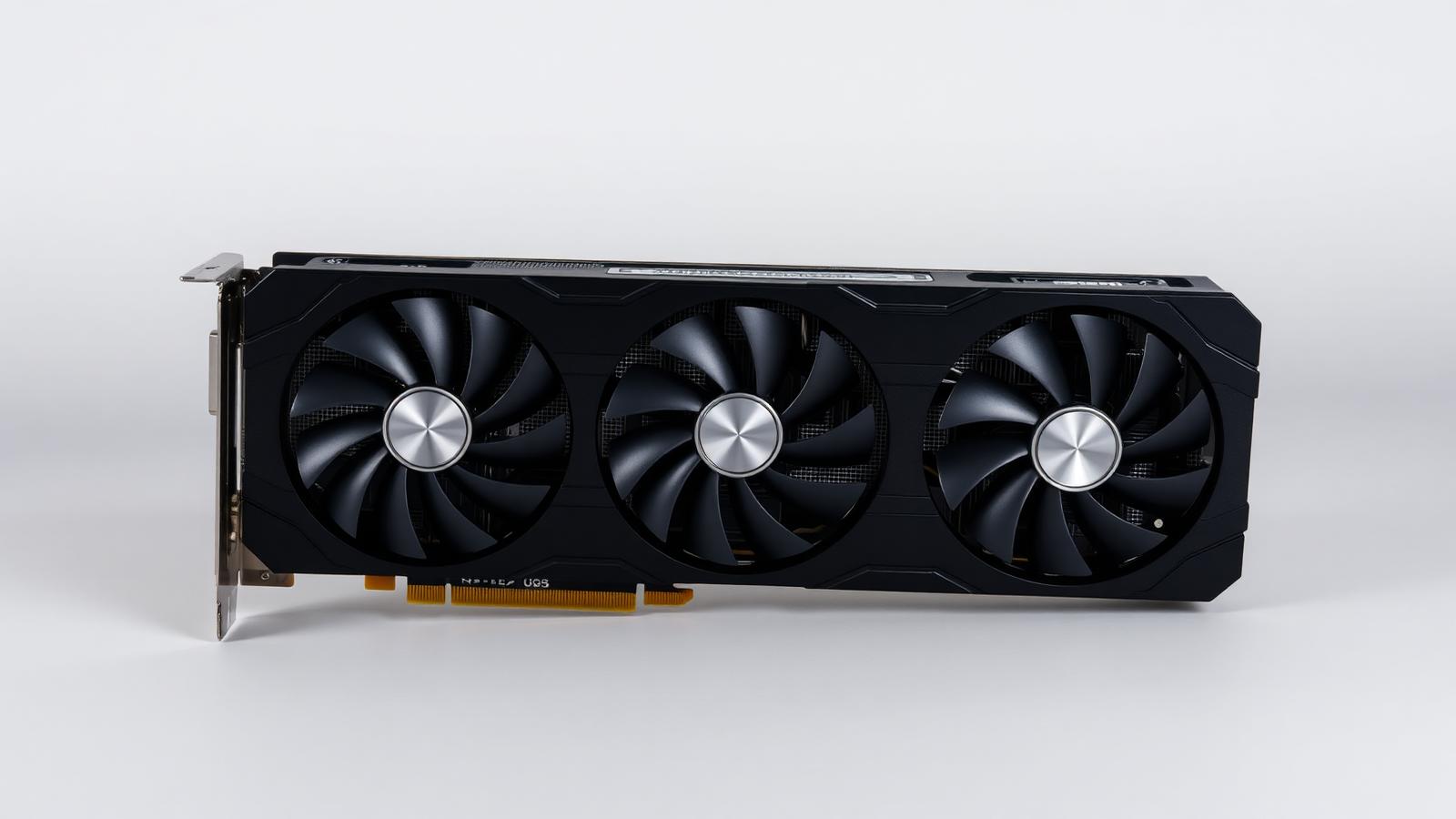
Triple-fan desktop graphics card
Illustrative photo of the product category — not a specific model or retailer listing.

VRAM has become a marketing number that scares people into overspending or, worse, into buying a card with a fast chip crippled by too little memory. Both mistakes are common, and the right amount depends heavily on resolution, texture settings and whether you do anything beyond gaming with the card.

As a rough anchor: 8GB is now the floor and struggles with maxed textures at 1440p in newer titles; 12GB is comfortable for 1440p; 16GB is the safer choice for 4K or for keeping a card useful for several years; anything beyond that is mainly for creative work, large local AI models, or genuine future-proofing rather than typical gaming.

The rest of this guide breaks down VRAM needs by use case, gives sensible picks, and answers the questions people ask before choosing a card.


What actually matters

  • Resolution is the single biggest factor. Higher resolutions demand more VRAM for frame buffers and textures. A card that is fine at 1080p can stutter at 4K in the same game purely from running out of memory, regardless of how fast its core is.
  • Texture settings matter more than most other settings. Ultra texture packs are the single biggest VRAM consumer in modern games, often with little visual difference from high settings. Dropping textures one notch can solve stuttering on a lower-VRAM card without a noticeable image quality loss.
  • VRAM bottlenecks look like stutter, not low average frame rate. A card running out of VRAM often shows a reasonable average frame rate but frequent stutters and texture pop-in, which is a different symptom to a raw GPU horsepower shortfall. This confuses a lot of buyers troubleshooting performance.
  • Creative and AI workloads change the calculus entirely. Video editing, 3D rendering and running local AI models can use far more VRAM than gaming ever does. If any of these apply, buy well above the gaming recommendation rather than the minimum.
  • Future-proofing has diminishing returns. Buying extra VRAM for a game you'll play in three years is a reasonable hedge, but the GPU core itself is just as likely to be the limiting factor by then. Don't overpay for VRAM alone on an otherwise weak card.

Our picks

Triple-fan desktop graphics card

Illustrative

Best for 1080p gaming

GPU with 8–10GB VRAM

Specs:
Comfortable for 1080p high settings in current titles, tight at max settings in newer releases
Typical price:
entry to mid tier
Who it suits:
Budget-focused 1080p gaming without maxed texture packs. Fine for most competitive and older titles.
Triple-fan desktop graphics card

Illustrative

Best for 1440p gaming

GPU with 12GB VRAM

Specs:
Comfortable headroom for high to ultra settings at 1440p in current and near-future titles
Typical price:
mid tier
Who it suits:
The sweet spot for most gaming builds today. Enough headroom to avoid VRAM-related stutter for several years.
Triple-fan desktop graphics card

Illustrative

Best for 4K or long-term use

GPU with 16GB VRAM

Specs:
Strong headroom for 4K textures and for staying comfortable well into the next few years of releases
Typical price:
upper-mid to premium tier
Who it suits:
4K gaming, or anyone planning to keep the same card for four or more years without a texture-setting compromise.
Triple-fan desktop graphics card

Illustrative

Best for creative work and local AI

GPU with 20GB or more VRAM

Specs:
Large memory pool for bigger AI models, high-resolution video timelines and complex 3D scenes
Typical price:
premium tier
Who it suits:
Video editors, 3D artists and anyone running local AI models where memory capacity directly limits what you can load.

Frequently asked questions

Is 8GB of VRAM enough in 2026?

For 1080p at high settings, generally yes. At 1440p or with ultra texture packs, 8GB is increasingly tight and can cause stutter in newer, more demanding titles.

How do I know if a game is running out of VRAM?

Watch for stutter and texture pop-in despite a reasonable average frame rate, rather than a uniformly low frame rate. Monitoring software that shows VRAM usage alongside frame times will confirm it directly.

Does more VRAM make a game run faster?

Not by itself. VRAM prevents slowdowns caused by running out of memory; it does not increase raw rendering speed the way a faster GPU core does. A card can have plenty of VRAM and still be slow.

Do I need extra VRAM for ray tracing?

Ray tracing does increase VRAM usage somewhat, but the core GPU horsepower needed for good ray-traced frame rates is usually the bigger constraint than memory capacity alone.

Should I buy a card with more VRAM just to future-proof it?

A reasonable hedge if the rest of the card's performance is otherwise strong, but don't buy a weak GPU core purely for a high VRAM number — both tend to age out around the same time.

Check live prices

Prices in this guide are ranges, not quotes — device pricing moves daily and varies by country. Run the search to see current listings across supported retailers and marketplaces, scored against what you asked for.

Related guides

How Findeso makes money

Some outbound links may earn Findeso a commission at no additional cost to you. Commission is never an input to rankings or scores — see the affiliate disclosure and how scoring works.