

Best GPU for 1440p gaming

ComponentsLast updated July 31, 2026Independent research — Findeso does not sell products

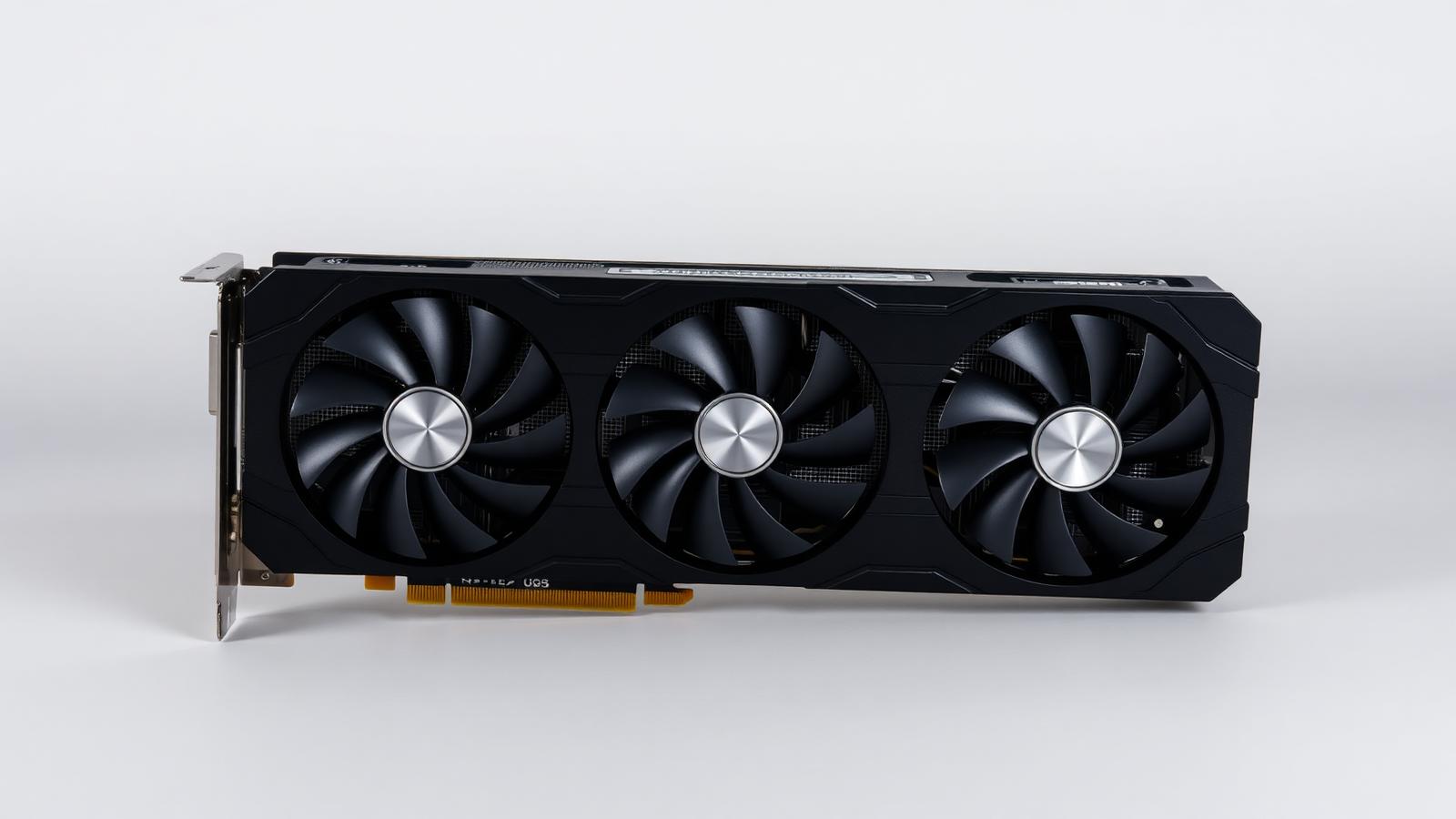
Triple-fan desktop graphics card
Illustrative photo of the product category — not a specific model or retailer listing.

1440p has become the default enthusiast resolution because it is visibly sharper than 1080p without the brutal performance cost of 4K. The card you need depends less on the resolution and more on the frame rate you are targeting.

Sixty frames per second at high settings is achievable with a mid-tier card. Sustaining 144 or more in demanding titles needs an upper-mid card and, increasingly, upscaling turned on. Decide your target first — it changes the budget by hundreds.

What actually matters

  • Pick a frame-rate target, then a card. 60 fps, 120 fps and 165 fps are three different budgets. Buying above your monitor's refresh rate produces frames you never see.
  • Upscaling changes the maths. Modern upscalers deliver near-native image quality at a large performance saving. A card one tier down with upscaling often matches a more expensive one running native.
  • VRAM for texture-heavy titles. Twelve gigabytes is a sensible floor at 1440p today, and more is worthwhile if you keep hardware for several years.
  • Watch for CPU bottlenecks. At high frame rates the processor becomes the limit. Pairing a top card with an old CPU wastes much of what you paid for.
  • Used cards are good value with care. Test before paying, check fan condition and physical damage, and prefer sellers offering returns.

Our picks

Triple-fan desktop graphics card

Illustrative

Best overall

Current upper-mid card, 16 GB

Specs:
16 GB VRAM, strong 1440p performance, modern upscaling support
Typical price:
enthusiast mainstream
Who it suits:
144 Hz gamers who want high settings without dropping to upscaling in every title.
Triple-fan desktop graphics card

Illustrative

Best value

Current mid-tier card, 12 GB

Specs:
12 GB VRAM, comfortable 1440p at high settings with upscaling
Typical price:
mainstream
Who it suits:
The default recommendation. Delivers most of the experience for substantially less money.
Triple-fan desktop graphics card

Illustrative

Best budget

Previous-generation mid-tier, used

Specs:
One or two generations old, adequate VRAM, older upscaling support
Typical price:
budget
Who it suits:
60 fps targets and older titles. Excellent frames per dollar if you buy carefully.
Triple-fan desktop graphics card

Illustrative

Best for future-proofing

Near-flagship card, 20 GB+

Specs:
Large VRAM buffer, comfortable at 4K as well as 1440p
Typical price:
high
Who it suits:
Buyers who upgrade rarely and would rather overspend once than replace in three years.

Frequently asked questions

How much VRAM do I need for 1440p?

Twelve gigabytes is a comfortable floor today and 16 GB is the safer choice if you keep cards for several years. Texture quality is the first setting that suffers when memory runs short.

Is upscaling worth using?

Yes. Modern upscalers at quality settings are very close to native at 1440p and free up a large amount of performance, which effectively moves you up a tier for free.

Will my CPU hold back the card?

Possibly, at high frame rates. At 60 fps most recent processors are fine; targeting 144 fps in CPU-heavy games needs a reasonably current chip to avoid wasting the graphics card.

Should I buy new or used?

Used offers the best frames per dollar if you can test the card and the seller accepts returns. New buys warranty and the current feature set, which matters more if you keep hardware a long time.

Check live prices

Prices in this guide are ranges, not quotes — device pricing moves daily and varies by country. Run the search to see current listings across supported retailers and marketplaces, scored against what you asked for.

Related guides

How Findeso makes money

Some outbound links may earn Findeso a commission at no additional cost to you. Commission is never an input to rankings or scores — see the affiliate disclosure and how scoring works.