

Best tablet for students

LaptopsLast updated July 31, 2026Independent research — Findeso does not sell products

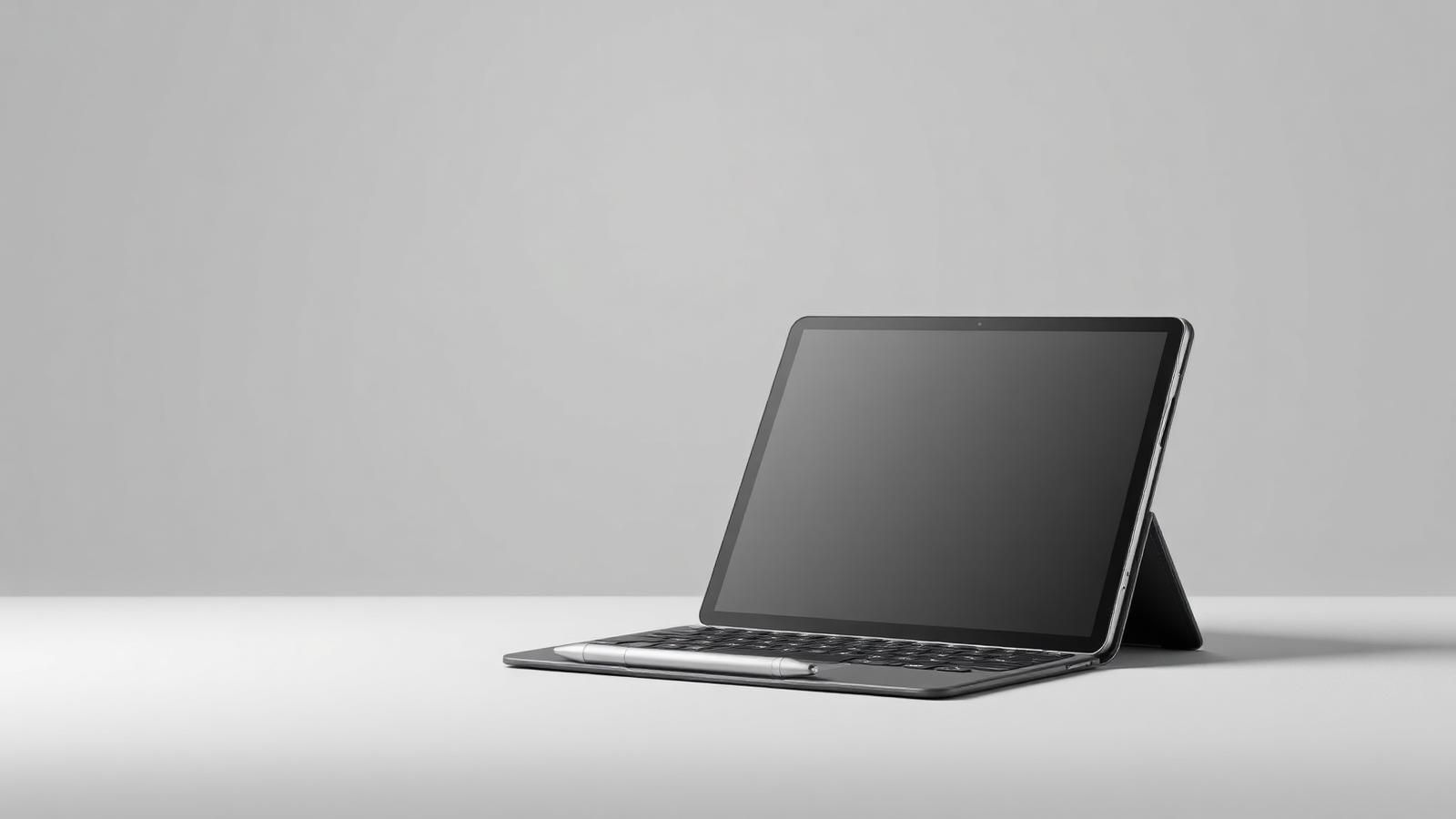
Tablet with a detachable keyboard and stylus on a studio background
Illustrative photo of the product category — not a specific model or retailer listing.

A tablet is the best note-taking device most students can buy and the worst primary computer most students can buy. Handwriting on glass, annotating PDFs and reading textbooks on a bright 11-inch screen genuinely beats paper. Writing a twelve-page paper with citations does not.

So the question is not which tablet is fastest. It is whether the tablet is your second screen next to a laptop, or the only device you own — because that answer changes the budget, the accessories and the storage tier you need.

What actually matters

  • Pen support is the whole point. If you are buying for notes, buy a model with a first-party stylus that charges magnetically and has low latency. Cheap universal styluses on entry tablets feel laggy enough that you stop using them.
  • Screen size beats resolution. An 11-inch screen shows a full textbook page at readable size; a 9-inch one does not. Laminated displays (no air gap under the glass) matter far more for writing feel than pixel count.
  • A keyboard folio changes the price bracket. First-party keyboards routinely add 30–50% to the total. Budget for it up front, or buy a cheaper Bluetooth keyboard and a stand — the typing experience is close and the saving is real.
  • 128 GB is the practical floor. Lecture recordings, offline PDFs and a few large apps fill 64 GB in one semester. Only buy 64 GB if the tablet is purely a reader.
  • Check what your program actually requires. Engineering, statistics and CS courses often mandate desktop software that no tablet runs. Confirm before assuming a tablet can be your only machine.

Our picks

Tablet with a detachable keyboard and stylus on a studio background

Illustrative

Best overall

11-inch tablet with first-party pen and 128 GB

Specs:
11-inch laminated display, magnetic stylus support, 128 GB, USB-C
Typical price:
mainstream
Who it suits:
The student who already has a laptop and wants the best note-taking and reading device to sit beside it.
Tablet with a detachable keyboard and stylus on a studio background

Illustrative

Best value

Entry 10–11 inch tablet, 128 GB

Specs:
Non-laminated or entry laminated display, basic pen support, 128 GB
Typical price:
budget
Who it suits:
Readers and light note-takers. You give up pen feel and screen quality, not usefulness.
Tablet with a detachable keyboard and stylus on a studio background

Illustrative

Best as a laptop replacement

12–13 inch tablet with keyboard folio and 256 GB

Specs:
12.9-inch class display, desktop-style multitasking, keyboard folio, 256 GB
Typical price:
premium
Who it suits:
Students in reading- and writing-heavy programs who want one device. Verify your required software runs on it first.
Tablet with a detachable keyboard and stylus on a studio background

Illustrative

Best for art and design

11–13 inch tablet with pressure-sensitive pen and 256 GB

Specs:
High-refresh laminated display, tilt and pressure pen, wide colour gamut, 256 GB
Typical price:
premium
Who it suits:
Illustration, architecture and design students. The pen and display are the purchase; the chip is secondary.

Frequently asked questions

Can a tablet replace my laptop for university?

For reading, notes, email and writing — often yes. For coursework that requires desktop applications, statistical packages, IDEs or specific lab software — no. Check your program's software list before committing.

Is a refurbished tablet a good idea?

Yes, and it is one of the better refurbished categories: tablets have no keyboard to wear out and no fan to clog. Prioritise battery health above cosmetic grade.

Do I need cellular?

Rarely. Campus Wi-Fi and phone tethering cover almost every case, and the cellular option plus a data plan usually costs more over two years than a better tablet would have.

How much does the stylus matter?

Enormously, if you take handwritten notes. A low-latency first-party pen on a laminated screen feels like writing; a generic stylus on a non-laminated screen feels like drawing through glass.

Check live prices

Prices in this guide are ranges, not quotes — device pricing moves daily and varies by country. Run the search to see current listings across supported retailers and marketplaces, scored against what you asked for.

Related guides

How Findeso makes money

Some outbound links may earn Findeso a commission at no additional cost to you. Commission is never an input to rankings or scores — see the affiliate disclosure and how scoring works.