Best SSD for the PS5

ComponentsLast updated August 1, 2026Independent research — Findeso does not sell products

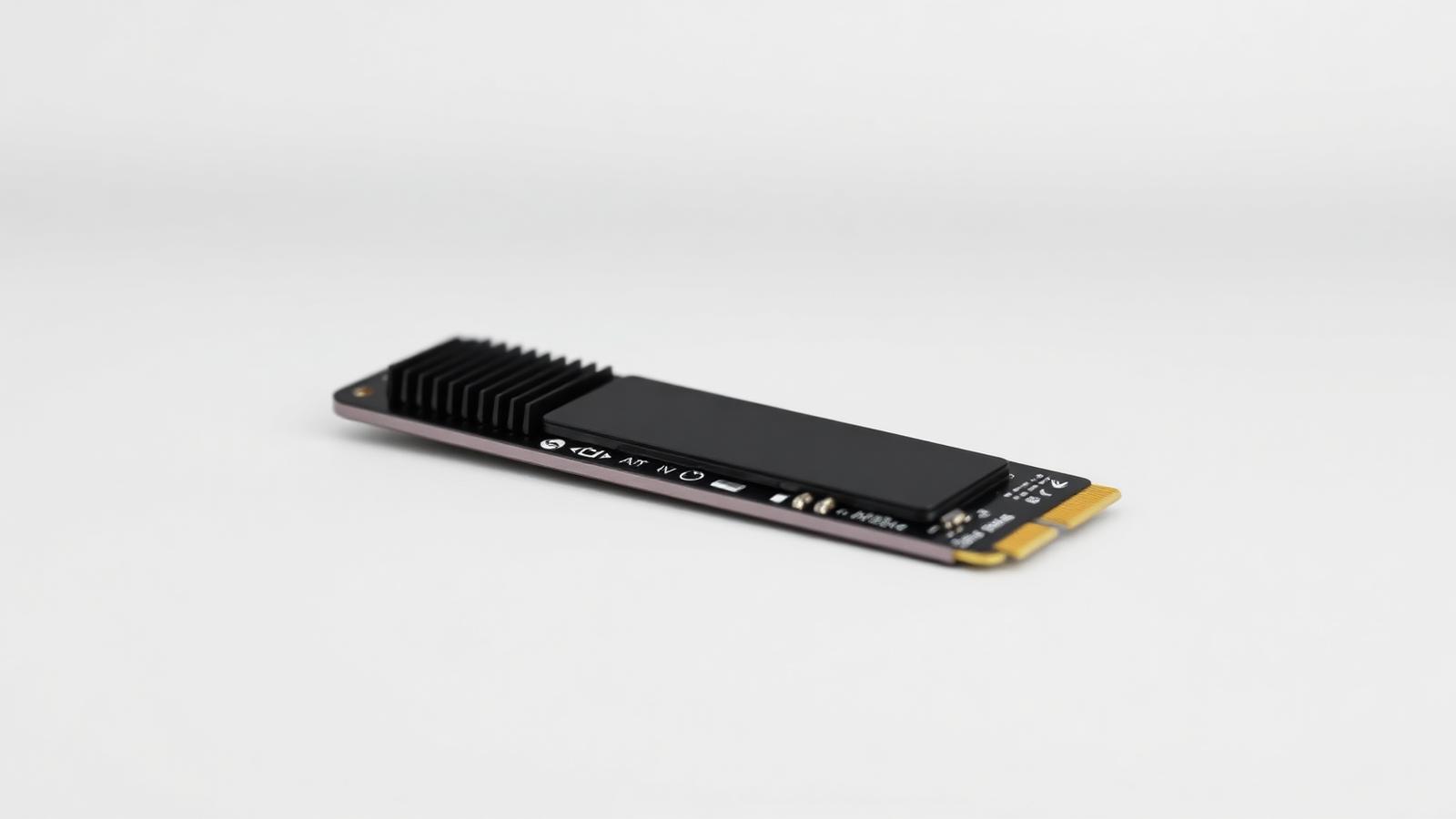
M.2 NVMe solid state drive with a heatsink
Illustrative photo of the product category — not a specific model or retailer listing.

The PS5's expansion slot takes a standard M.2 NVMe drive, but not just any drive qualifies. Sony sets a minimum sequential read speed, and a drive below it will be rejected by the console outright, so the spec sheet matters more here than in a typical PC build.

Beyond hitting the minimum speed, differences between qualifying drives are mostly invisible in day-to-day use — load times flatten out well below the fastest drives on the market. The decisions that actually matter are capacity, whether the drive needs a separate heatsink, and price per terabyte.

Below are the checks to make before buying, sensible picks at different capacities, and the questions people ask before opening up their console.


What actually matters

  • Meet the minimum sequential read speed. Sony requires a minimum sequential read speed for the console to accept a drive for game storage. Any drive marketed specifically for PS5 compatibility clears this easily; some older or budget NVMe drives do not.
  • Check whether a heatsink is included or required. Some drives ship with a heatsink pre-attached and fit the PS5's slot as-is. Bare drives may need a separately purchased heatsink to fit the clearance and thermal requirements — check the drive's total height with heatsink attached before buying.
  • Buy more capacity than you think you need. Modern game installs routinely exceed 100GB with day-one patches. A 500GB drive fills up after two or three large titles; 1TB is the realistic minimum for an active library, with 2TB being the comfortable sweet spot.
  • Beyond the minimum spec, extra speed mostly goes unused. The PS5's own decompression hardware is the real bottleneck for load times, not raw drive speed. A drive well above the minimum requirement will not noticeably outload a drive that just clears it.
  • Warranty and endurance rating still matter. Look for a multi-year warranty and a reasonable terabytes-written endurance figure. Console drives get written to constantly with game installs and patches, so a budget drive with a short warranty is a false economy.

Our picks

M.2 NVMe solid state drive with a heatsink

Illustrative

Best overall

1TB NVMe SSD with pre-attached heatsink, PS5-rated

Specs:
Meets Sony's minimum speed with margin, heatsink included, fits without modification
Typical price:
mid tier
Who it suits:
Most PS5 owners upgrading from the internal drive. Fits directly, no extra parts to buy, comfortable capacity for an active game library.
M.2 NVMe solid state drive with a heatsink

Illustrative

Best for a large library

2TB NVMe SSD, PS5-rated

Specs:
Same speed tier as the 1TB option, double the capacity, better cost per gigabyte at this size
Typical price:
upper-mid tier
Who it suits:
Players who install many games at once or keep large seasonal titles installed year-round instead of reinstalling.
M.2 NVMe solid state drive with a heatsink

Illustrative

Best budget option

1TB NVMe SSD that clears the minimum speed requirement, bare drive

Specs:
Meets the minimum spec, no bundled heatsink, requires a separate compatible heatsink
Typical price:
entry tier for the drive, plus a separate heatsink purchase
Who it suits:
Buyers comfortable checking clearance specs and adding a heatsink themselves to save money over a bundled kit.
M.2 NVMe solid state drive with a heatsink

Illustrative

Best if you also want external storage

External USB SSD for PS4/PS5 games plus an internal drive for PS5 titles

Specs:
External drive stores and runs older-generation games directly; PS5 titles still need the internal expansion slot
Typical price:
mid tier for the external drive
Who it suits:
Owners with a large backlog of last-generation games who want to keep the internal slot free for current-generation titles only.

Frequently asked questions

Can I just use any NVMe SSD in a PS5?

No. The console checks the drive against a minimum sequential read speed and will refuse to use it for game storage if it falls short, even though it may work fine in a PC.

Do I need a heatsink?

Yes, either pre-attached or added separately. The PS5 runs the drive hot enough that Sony specifies thermal requirements, and running a bare drive without one risks throttling or instability.

Will a faster-than-required drive load games noticeably quicker?

Rarely. Once a drive clears the minimum speed, the PS5's own decompression hardware becomes the limiting factor, so further drive speed gains mostly go unused in practice.

How much capacity do I actually need?

1TB is the realistic minimum for an active library given modern install sizes; 2TB is more comfortable if you install several large games or live-service titles at once.

Can I use an external drive instead of an internal one?

External USB drives can store and run PlayStation 4 games directly, but current-generation PS5 titles must be installed on the internal expansion slot or the console's internal drive to run.

Check live prices

Prices in this guide are ranges, not quotes — device pricing moves daily and varies by country. Run the search to see current listings across supported retailers and marketplaces, scored against what you asked for.

Related guides

How Findeso makes money

Some outbound links may earn Findeso a commission at no additional cost to you. Commission is never an input to rankings or scores — see the affiliate disclosure and how scoring works.